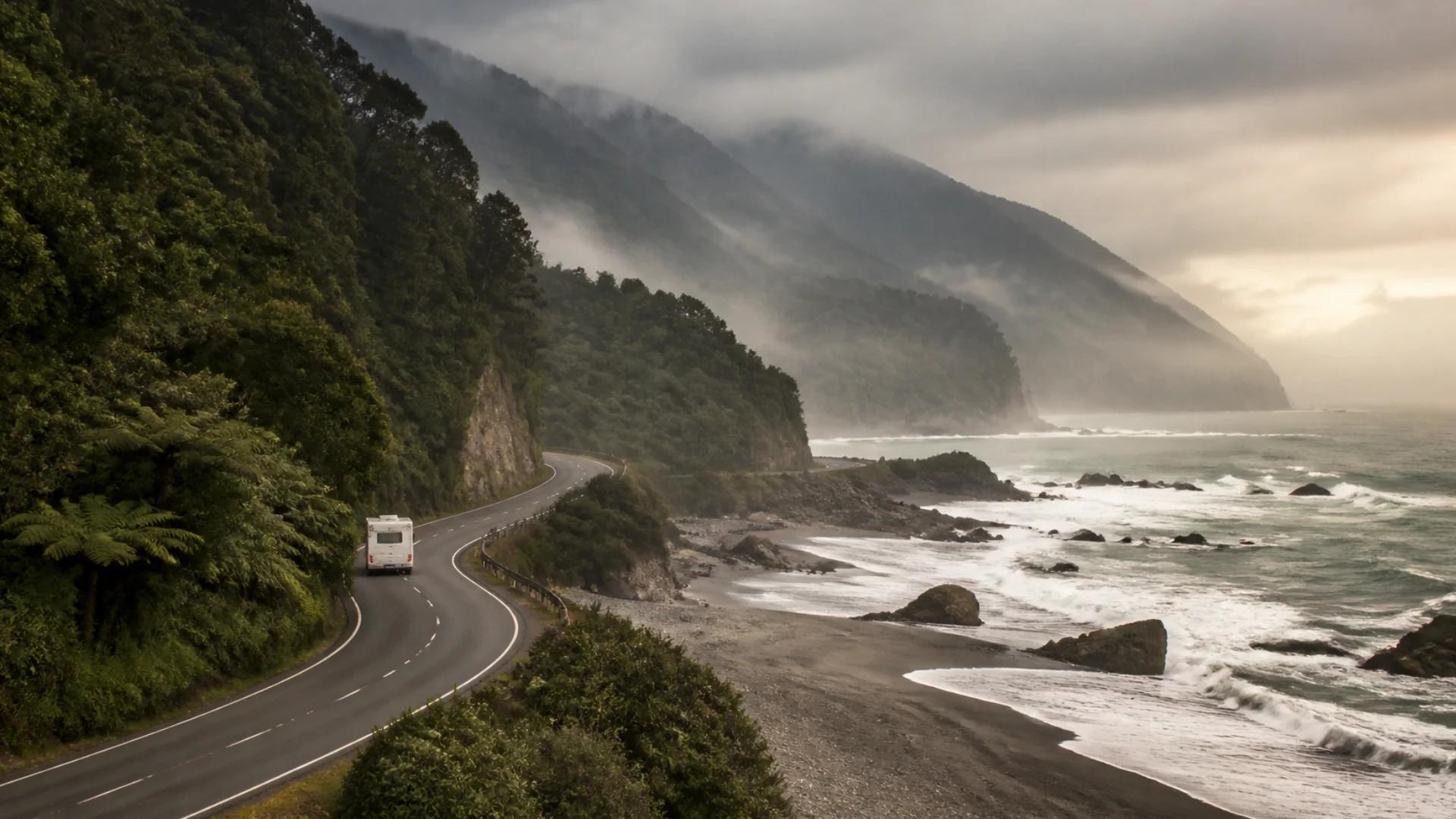
New Zealand packs a lot of mountains, valleys and empty coastline into a small country. That's what makes it beautiful, and it's also why your phone signal comes and goes. One minute you're streaming music through a river valley, the next you're behind a ridge with no bars at all.
Losing signal isn't a problem. Losing it when you were relying on it is. Here's how to plan around it.
Where signal tends to drop
Coverage depends on terrain as much as distance. In New Zealand, the places that catch people out are usually:
- Alpine passes and deep valleys, where hills block the signal.
- Long, remote coastal stretches between small towns.
- Back-country roads and DOC campsites, which often sit well away from the nearest tower.
- Ferries and islands, depending on where you are on the crossing.
Your network matters too. Two campervans parked side by side can have a very different experience if they're on different providers.
Before you leave each morning
Check today's route, not just tonight's campsite
Look at the drive leg by leg and note any long stretches where you're likely to be out of range. Those are the legs that need preparing for.
Download what you'll need
Before a remote leg, download it while you have good signal (or on the holiday park Wi-Fi):
- Offline maps and navigation for the whole leg.
- Screenshots of bookings, ferry tickets and confirmations.
- Tonight's campsite details: address, check-in information and directions.
Check road conditions while you can
Road closures and slips happen. Check the NZ Transport Agency's journey planner before you drive into an area where you won't be able to check it later.
Tell someone your plan
For remote walks and back-country drives, let someone know where you're going and when you expect to be back. For serious back-country trips, consider carrying a personal locator beacon (PLB). Some newer phones can also send emergency messages by satellite. Check what yours supports.
Choose campsites with signal in mind
Not every night needs signal, and some of the best campsites in the country have none. But if you need to work, make a call home or check tomorrow's weather, pick that night's campsite for its coverage. Holiday parks in or near towns are usually the safest bet.
How Ready2Roam helps
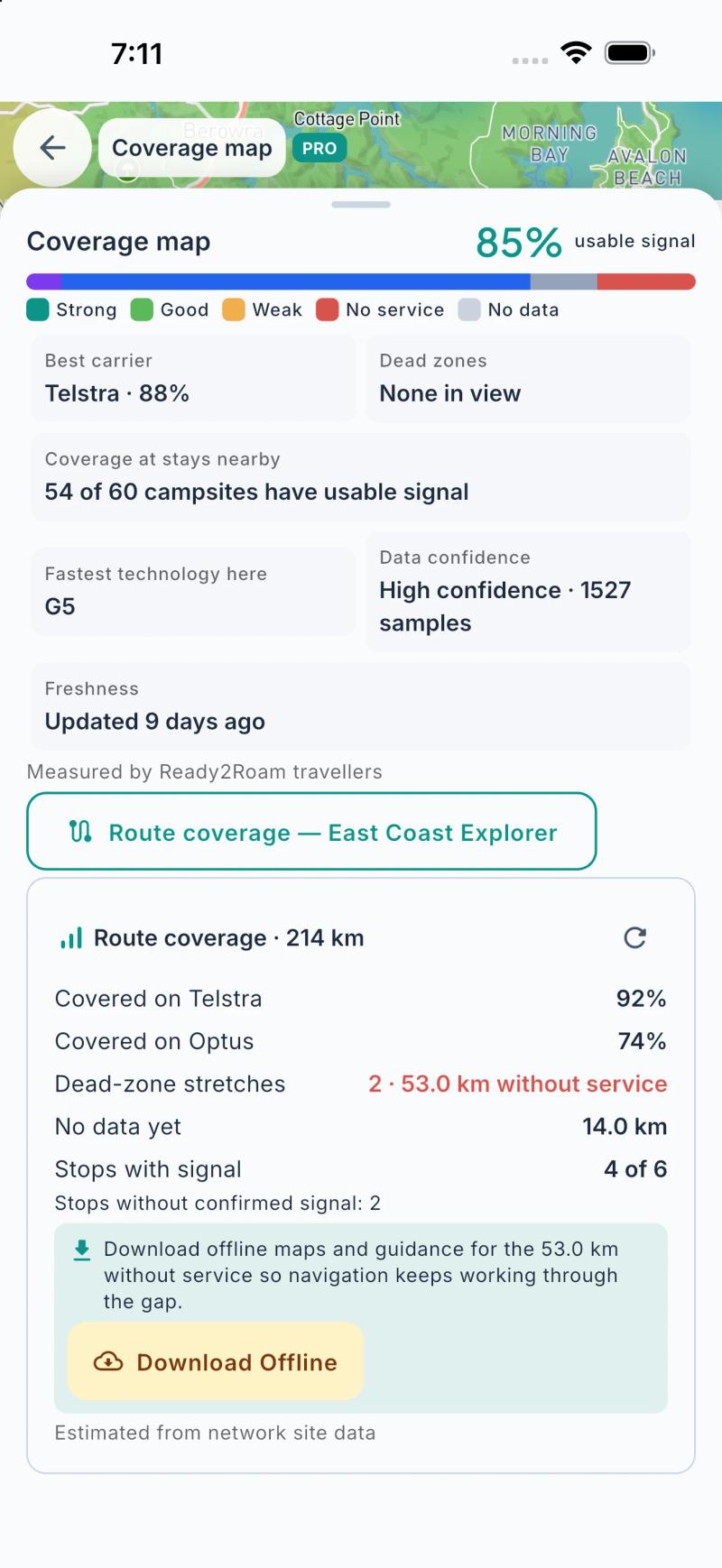
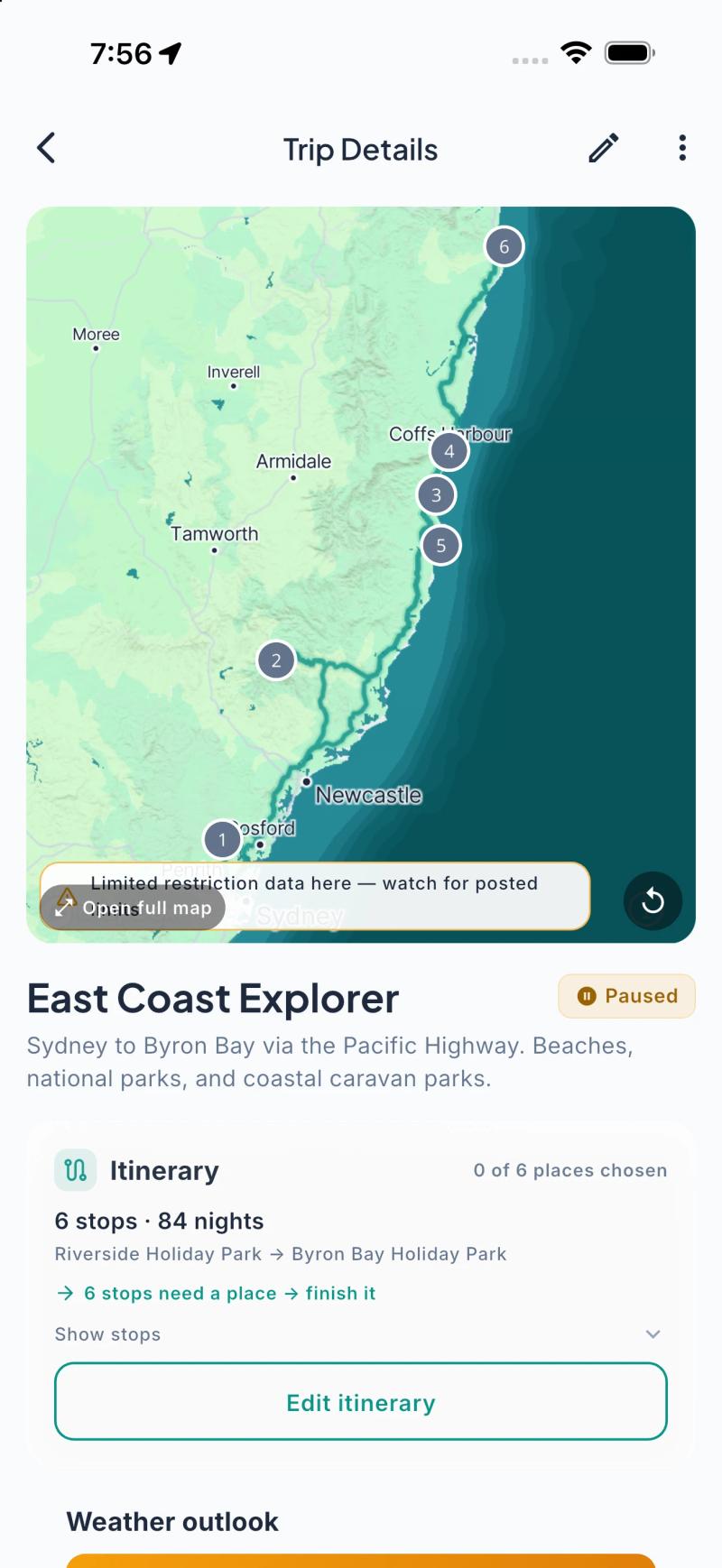
"Will I have signal there?" is one of the questions travellers ask us most, so we built coverage into Ready2Roam 1.2.0.
- A dead-zone heads-up on every trip (free). Your trip's route coverage card flags stretches where you're likely to be without service, so you know which legs need a download.
- The Coverage Map (Nomad Pro). See mobile coverage along your route and around the campsites you're considering, including how much of the route has usable signal, where the dead zones are, and which network tends to be strongest there.
- Signal at every stop (Nomad Pro). Each campsite on your trip shows the signal you can expect when you arrive.
- Offline maps and nav packs (Nomad Pro). Download maps and navigation for the gaps so you're never left guessing.
Coverage in Ready2Roam is crowd-sourced from our travellers and modelled from network data, so treat it as a guide. Coverage varies by region, and it gets more detailed as more people travel with the app.
The bottom line
New Zealand's black spots are part of its charm. Check the route each morning, download before you lose signal, check road conditions while you can, tell someone your plans, and choose campsites for their signal on the nights it matters. Then put the phone away and enjoy the view.
Planning your route? Read about driving a campervan on New Zealand's roads, and see what a South Island campervan trip costs.
Download Ready2Roam and check the coverage on your next route.