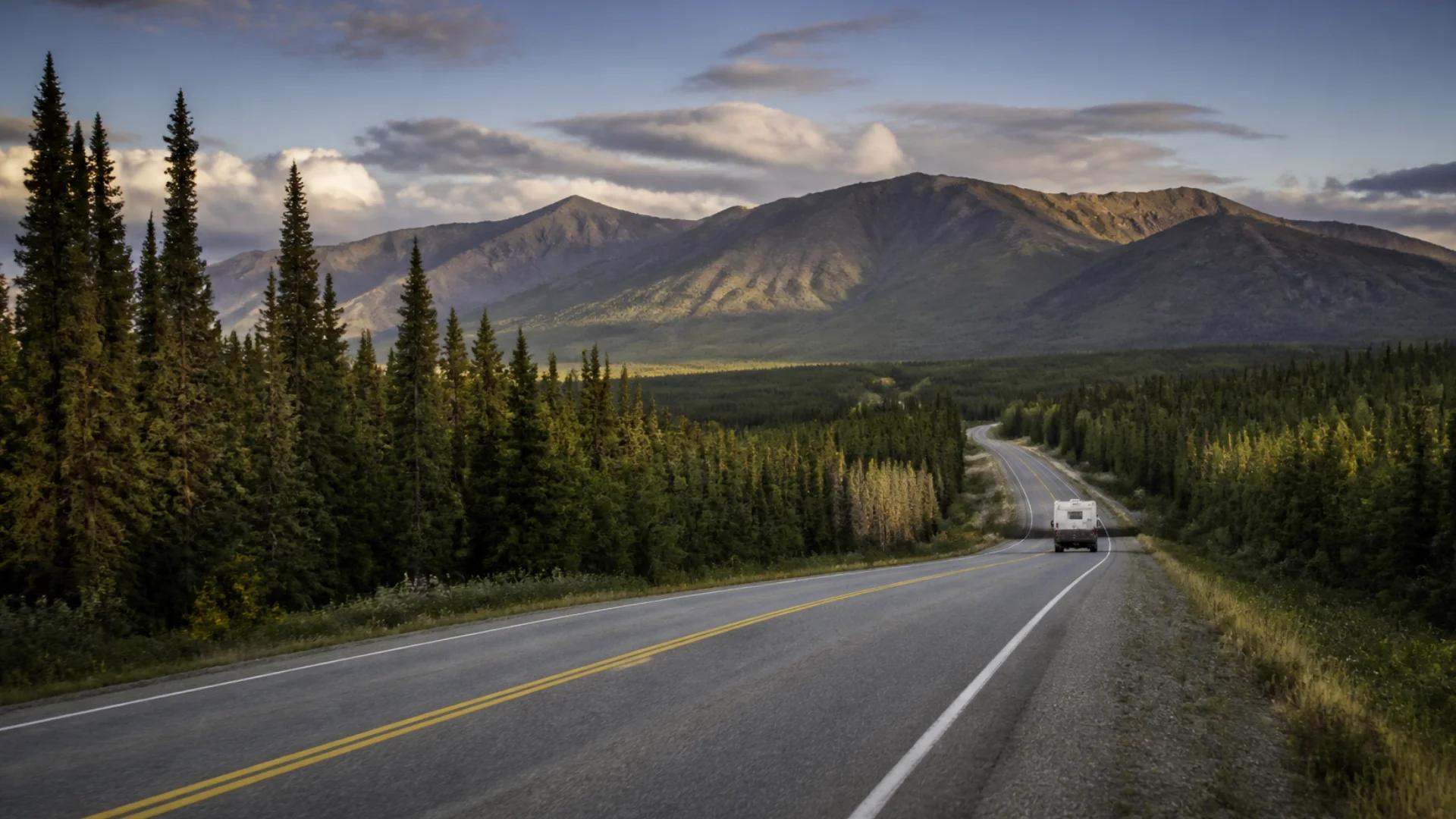
Canada is the second-largest country on Earth, and most of it is a long way from a cell tower. Leave the major corridors and it doesn't take long before your phone shows "No Service." On some northern highways, like BC's Highway 37, the gaps run for long stretches, as local reporting on Highway 37 has highlighted.
For RVers, that's part of the adventure. The trick is planning for it so it never becomes a problem.
Why dead zones catch RVers out
Everyone expects to lose service in the far north. What catches people out is the gap they didn't expect: a mountain valley between two towns, a provincial park a few kilometres off the highway, a lakeside campground behind a ridge.
Your carrier also matters. Coverage varies between networks, and one may have service where another doesn't.
Before you leave: a simple plan
1. Check the route, not just the campground
Look at each day's drive and note any long stretches where you'll likely be without service. Those are the legs to prepare for.
2. Download before you lose signal
- Offline maps and navigation for the whole day's drive.
- Campground reservations and confirmations (screenshots work).
- Tonight's site details and directions.
- Road conditions. Check DriveBC, 511 Alberta or the relevant provincial service before you go.
3. Fuel up and plan stops
In remote areas, fuel stations can be far apart and may close early. Top up when you can. Don't count on finding fuel, or signal, at the next stop.
4. Tell someone your plan
On remote highways, let someone know your route and when you expect to be back in range. For truly remote travel, consider a satellite communicator or personal locator beacon. Some newer phones can send emergency messages by satellite.
Choose campgrounds with your signal needs in mind
If you're working on the road, need to make calls, or just want to check tomorrow's weather, pick that night's campground for its coverage. On the nights you want to switch off, pick the one without any.
How Ready2Roam helps
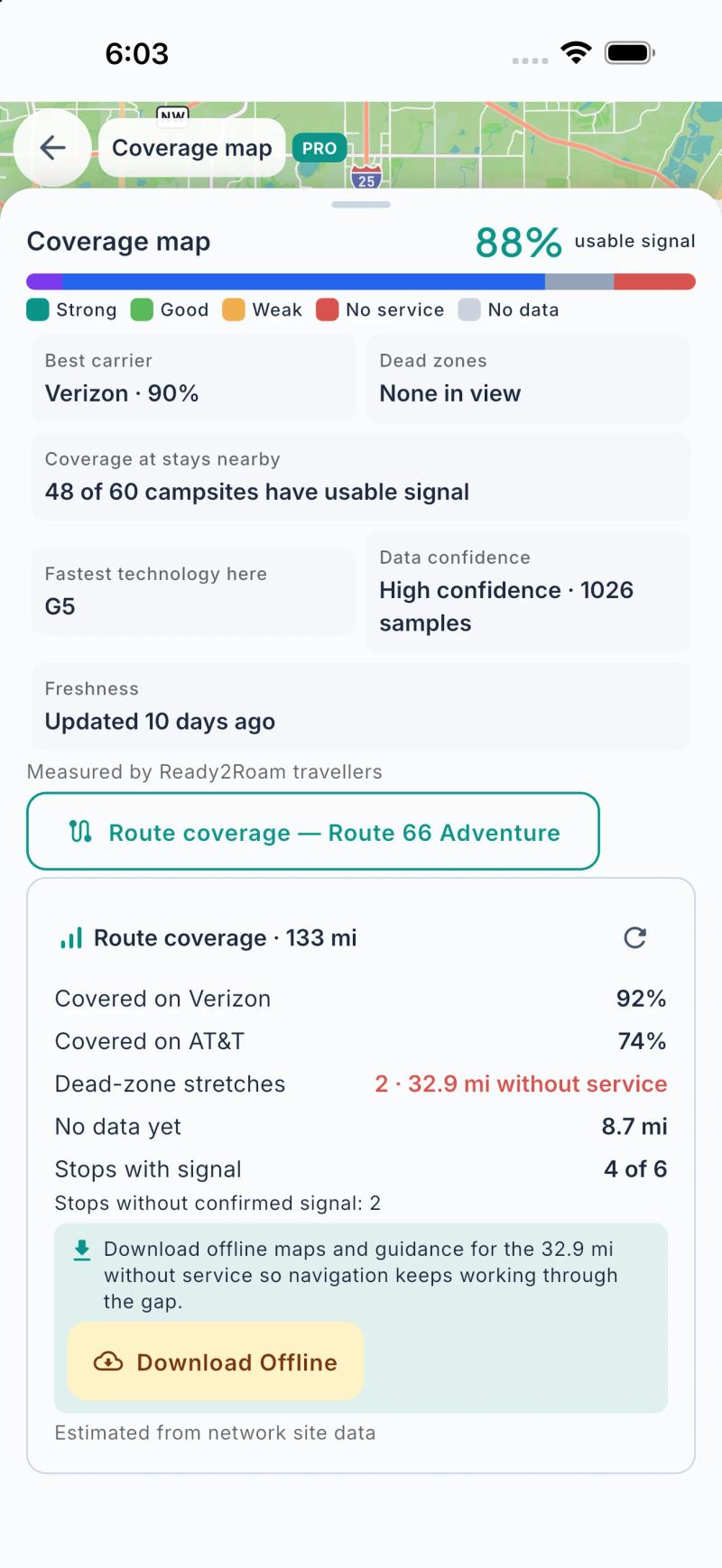
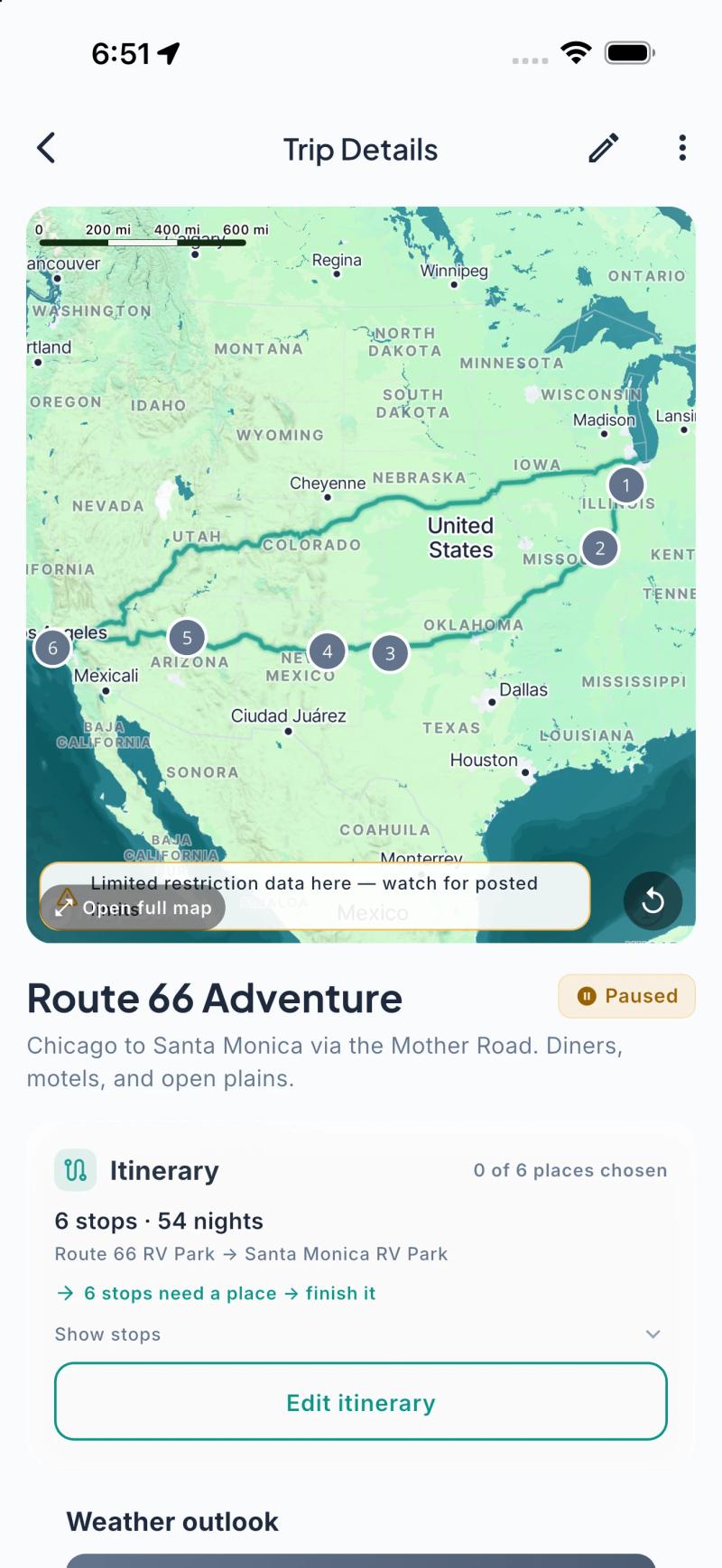
We built coverage into Ready2Roam 1.2.0 because "will I have service there?" is one of the questions RVers ask most.
- A dead-zone heads-up on every trip (free). Your trip's route coverage card flags stretches where you're likely to be without service, so you know which legs need preparing for.
- The Coverage Map (Nomad Pro). See cell coverage along your route and around the campgrounds you're considering, including how much of the route has usable signal, where the dead zones are, and which network tends to be strongest there.
- Signal at every stop (Nomad Pro). Each campground on your trip shows the signal you can expect when you arrive.
- Offline maps and nav packs (Nomad Pro). Download maps and navigation for the gaps so guidance keeps working.
Coverage in Ready2Roam is crowd-sourced from our travellers and modelled from network data, so treat it as a guide. Coverage varies by region, and it gets more detailed as more people travel with the app.
The bottom line
In a country this big, dead zones come with the territory. Check each day's route, download before you lose signal, fuel up when you can, tell someone your plan, and choose campgrounds for their coverage on the nights it matters. Then enjoy the quiet.
Driving the mountains? Read our guide to RV driving in the Rockies and BC mountain passes, and our boondocking beginner's guide for camping off the grid.
Download Ready2Roam and check the coverage on your next route.