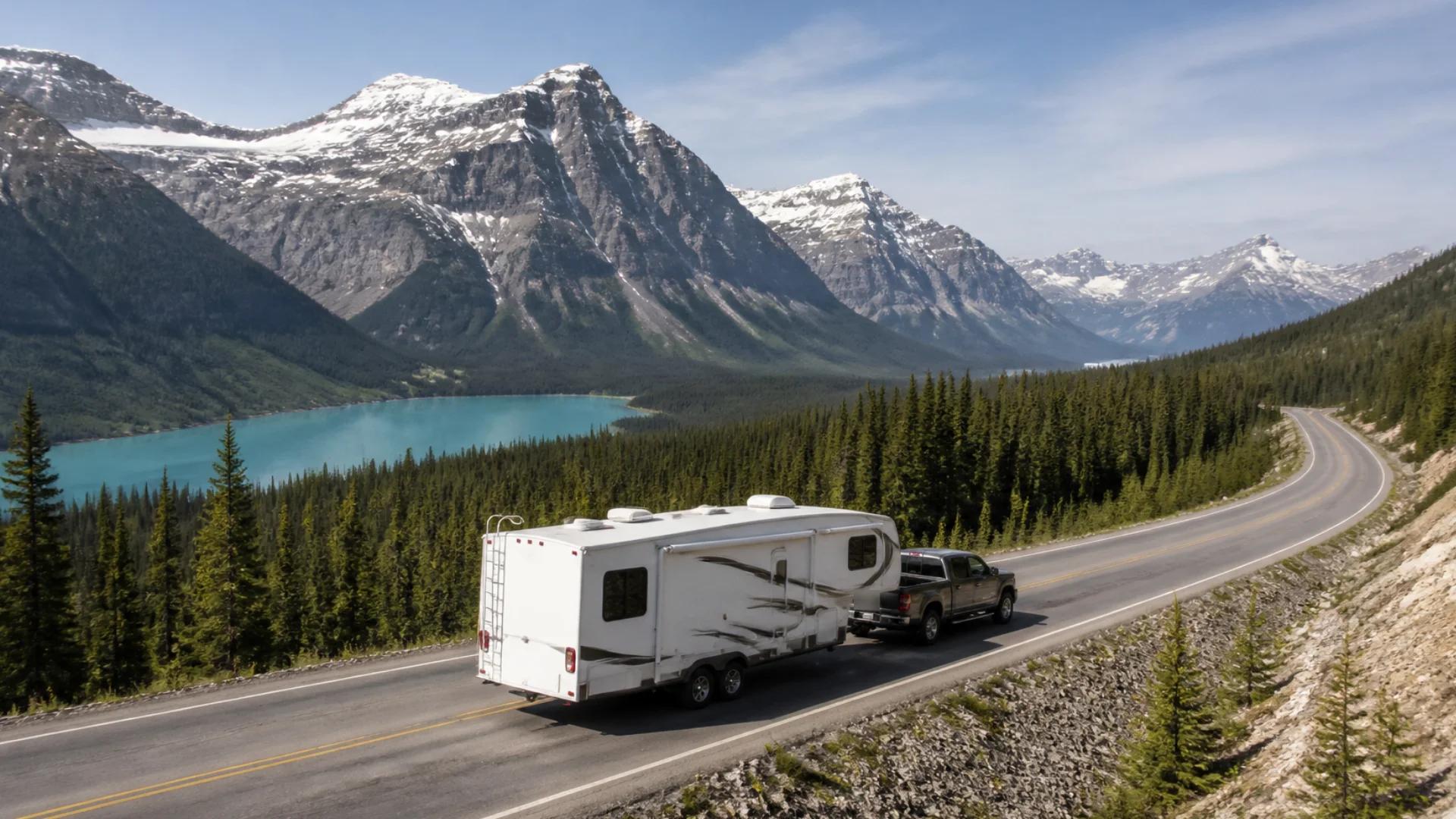
Few drives match the mountain highways of British Columbia and Alberta: glaciers, turquoise lakes, and passes that climb for kilometre after kilometre. They're also some of the most demanding roads you'll drive in an RV. Long climbs push your engine and transmission, and long descents can push your brakes past their limits.
With a little planning, you can drive them safely and enjoy every switchback.
What makes mountain driving different in an RV
Long, sustained grades
The challenge isn't one steep hill. It's a grade that goes on for kilometres. BC's Coquihalla Highway, for example, climbs more than a kilometre in elevation in under 50 km from Hope, with an 8% section on Snow Shed Hill, according to BC's Ministry of Transportation. In a heavy motorhome or a truck towing a fifth wheel, that's a long, hard climb and an equally long descent.
Heat
Climbing at low speed with a heavy load builds heat in your engine and transmission. Descending builds heat in your brakes. Overheated brakes fade, and that's when mountain driving becomes dangerous.
Weather that changes fast
Mountain passes can see snow well outside winter, and conditions at the summit can be very different from the valley you left an hour ago. Winter tire and chain requirements apply on many BC highways for part of the year.
Before you go
- Check the route's grades. Know where the big climbs and descents are before you set off, not when you see the warning sign.
- Check conditions. Use DriveBC or 511 Alberta for closures, conditions and requirements before you cross a pass.
- Know your weights. A rig at or near its limits is harder on brakes and drivetrain. Our guide to RV weight ratings like GVWR, GCWR and tongue weight explains the numbers.
- Service your brakes and cooling system before a mountain trip, including trailer brakes and the brake controller.
Climbing
- Let the rig slow down. Stay in the right lane, use climbing lanes and pullouts, and don't fight to hold the speed limit.
- Watch your temperatures. If the engine or transmission is running hot, ease off or pull over safely and let it cool.
- Use the right gear. Your owner's manual will tell you how to use tow/haul mode or a lower gear for long climbs.
Descending
- Choose your gear at the top. A good rule is to descend in the same gear (or lower) you'd use to climb that grade.
- Use engine braking or an exhaust brake. Let the engine hold your speed.
- Brake firmly, then release. Rather than riding the brakes all the way down, brake firmly to slow below your target speed, then release and let them cool.
- Use brake checks. Pull into brake check areas at the top of major descents. They're there for a reason.
- Know where the runaway lanes are. Hopefully you'll never need one.
Plan for fatigue
Mountain driving is tiring. Concentration, constant gear changes and tight curves take more out of you than a flat highway. Plan shorter driving days and a break every couple of hours, and don't try to cross a big pass at the end of a long day.
Navigation that knows what you're driving
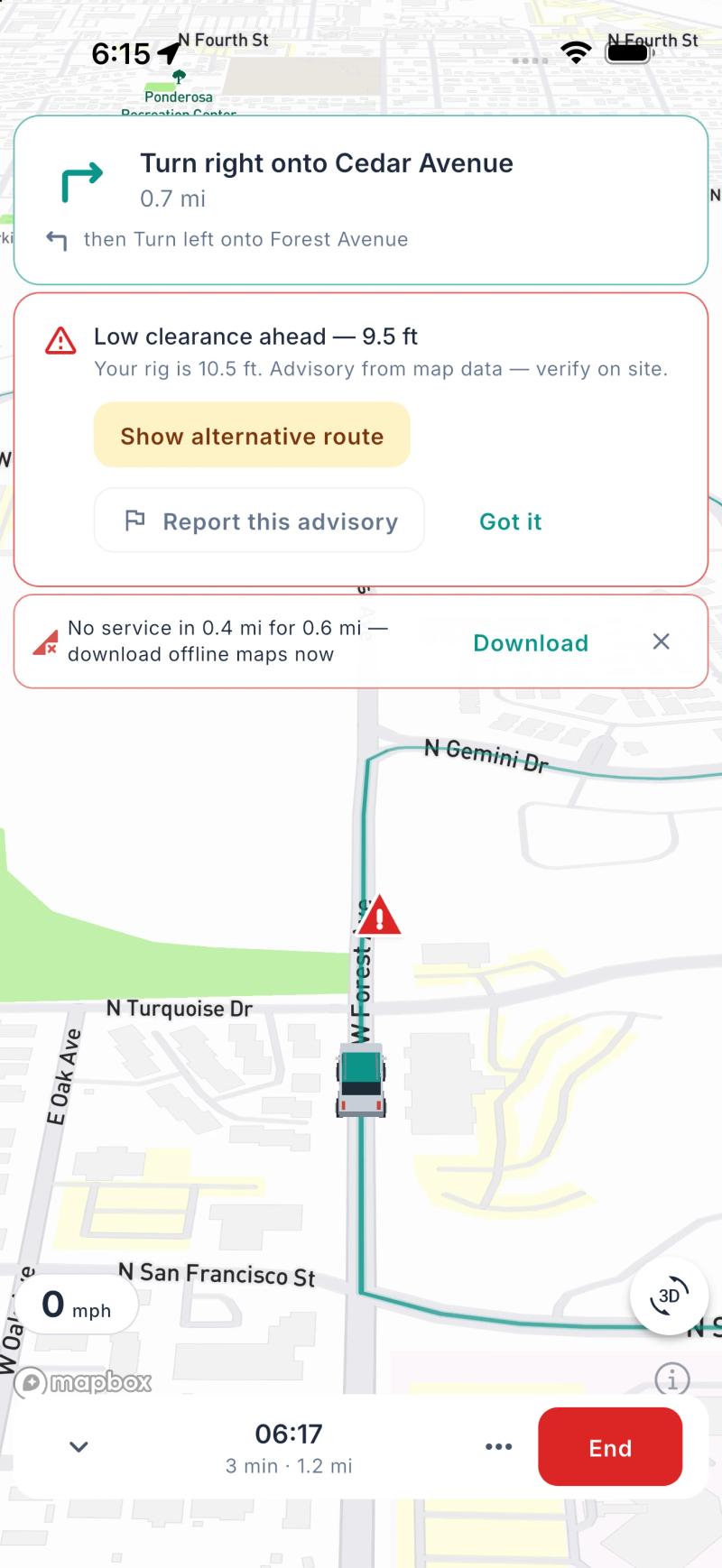
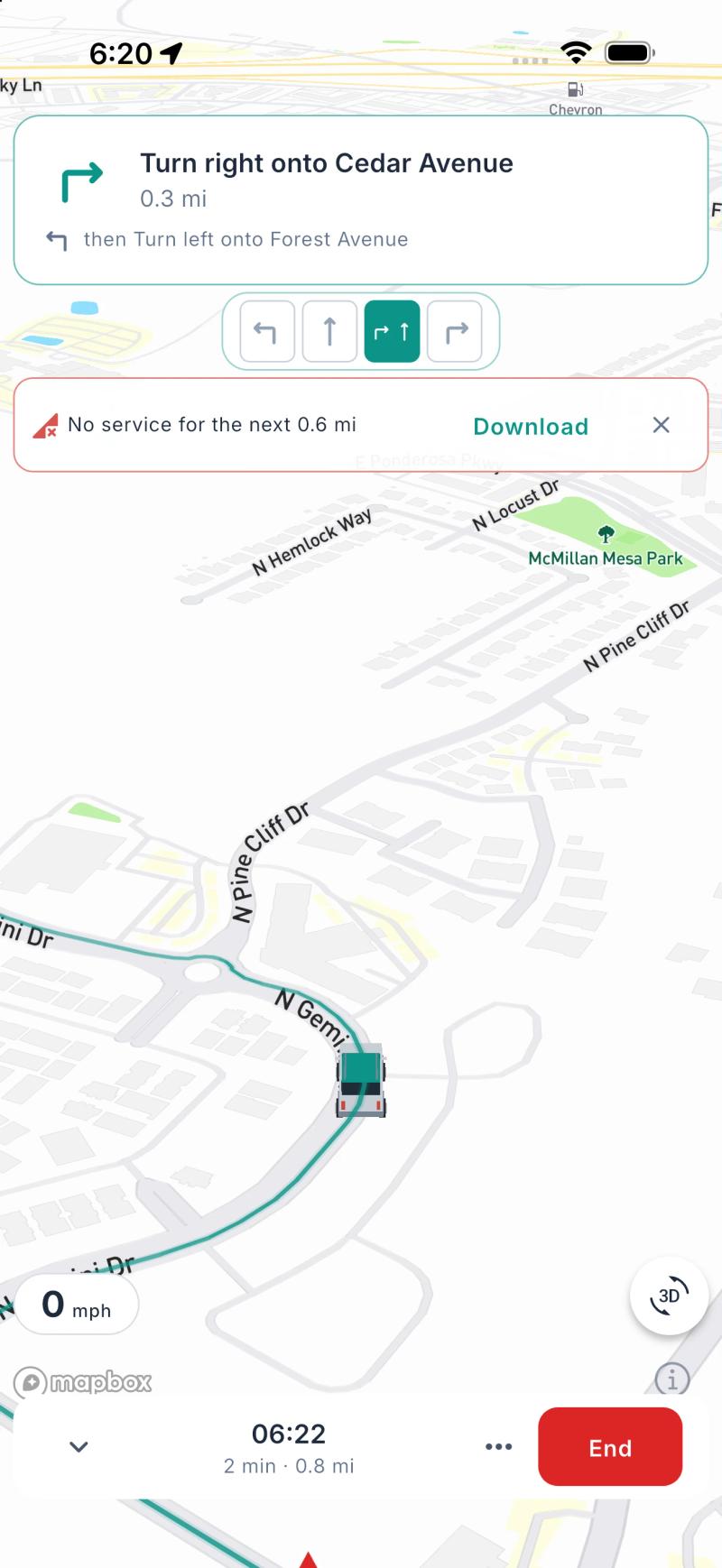
Phone maps apps route you like a car. They don't know you're heavy, tall or long, and they won't warn you that a big descent is coming.
Ready2Roam 1.2.0 adds in-app navigation (Nomad Pro) built around the rig in your Garage: its height, length and weight. Along the way you'll get:
- Heads-up warnings ahead of steep grades, low clearances and long stretches without a break, with the option to take another route where the road data flags a restriction for your rig.
- Lane guidance and interchange directions, so you're in the right lane early.
- Guidance on your Lock Screen, visible at a glance.
- Offline nav packs, so guidance keeps working in the mountain valleys where cell service disappears.
Road data is never complete, so Ready2Roam's warnings are advisory. Always follow the signs and check conditions on site. You can also send any route to Apple Maps or Google Maps in one tap, free.
The bottom line
The mountain highways of western Canada are a highlight of any RV trip. Know where the big grades are, check conditions before every pass, climb patiently, descend in a low gear, use your brake checks, and plan shorter days. Do that, and the only thing you'll remember is the view.
Heading somewhere remote? Read how to plan an RV trip around Canada's cell dead zones.
Download Ready2Roam. Nomad Pro comes with a 14-day free trial.