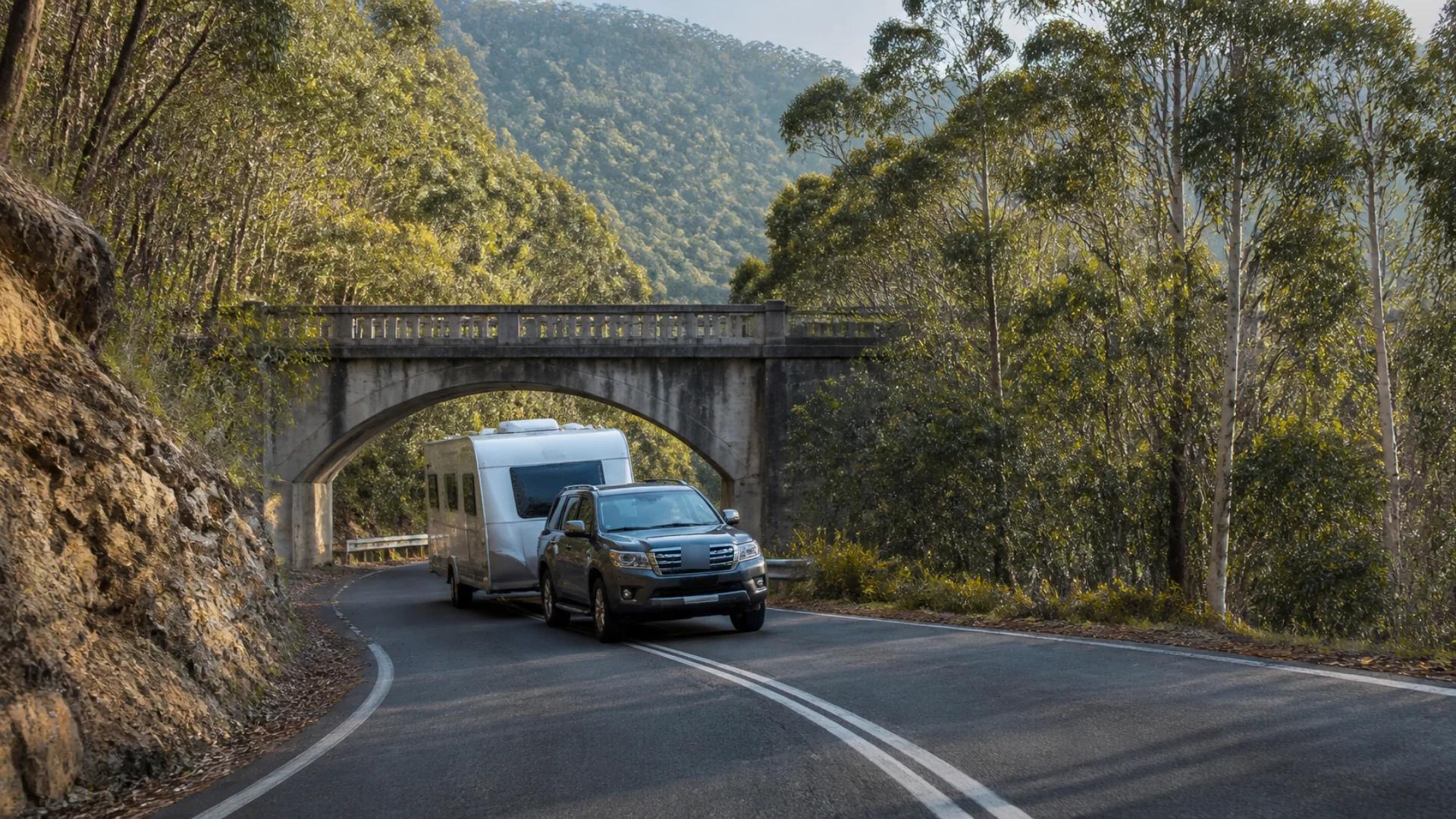
Most of us navigate with whatever's on our phone. For getting to the shops, that's fine. But hitch up a caravan and something changes that your maps app doesn't know about: you're now a vehicle that's twice as long, a metre taller and several tonnes heavier than the one it's routing.
That gap between what the app thinks you're driving and what you're actually driving is where caravanners get into trouble.
What a car sat-nav doesn't know
Your height
The obvious one. A typical caravan stands around 2.8 to 3.2 metres, and many vans with air conditioners or solar on the roof go higher. Car navigation doesn't consider height at all, so it'll route you under a low railway bridge or into an old service station canopy without a second thought. Low-clearance signs are there for a reason, but you want to know about them well before the sign, not at it.
Your length
A car and van combination can easily run 12 to 15 metres. That matters on tight roundabouts, narrow country lanes, through small-town main streets and in caravan park entries. Car navigation picks the shortest route, and the shortest route is often the tightest.
Your weight
Some bridges, causeways and roads have load limits, and some routes are best avoided when you're heavy. A sat-nav built for a 1.5-tonne car has no reason to care.
What hills do to a heavy rig
A steep climb that a car doesn't notice can have a heavily loaded rig labouring in a low gear. A steep descent can cook brakes if you're not using engine braking. Knowing a big grade is coming changes how you drive it.
That you need a break
Towing is more tiring than ordinary driving. Long stints without a rest are when concentration slips. Car navigation tells you the drive is six hours. It won't tell you to plan a stop.
How to plan better routes when towing
Know your numbers
Before anything else, measure your rig: total height (to the top of the air conditioner, hatch or solar), total length hitched, and your loaded weights. Write the height on a sticker on the dash. When you see a clearance sign, you shouldn't have to wonder.
If you're not sure about weights, our guides to GVM, ATM and GCM and using a weighbridge are the place to start.
Check the route, not just the turn-by-turn
Before a big drive, look at the whole route on a map. Small-town centres, narrow mountain roads and unsealed shortcuts are usually easy to spot. If a route looks tight, it probably is. The highway is often the better way, even if it's a few minutes longer.
Use local knowledge
State road authority websites, local councils and caravan forums are good sources for known low bridges and roads to avoid. If someone's been caught out somewhere, they've usually written about it.
Plan your stops into the drive
Build rest breaks into the plan rather than hoping you'll remember. A good rule of thumb is a break every two hours. Fuel stops are a natural moment for one.
Trust the signs over the screen
No navigation tool knows about every roadwork, temporary restriction or freshly lowered limit. If a sign and your screen disagree, the sign wins.
Navigation built for your rig
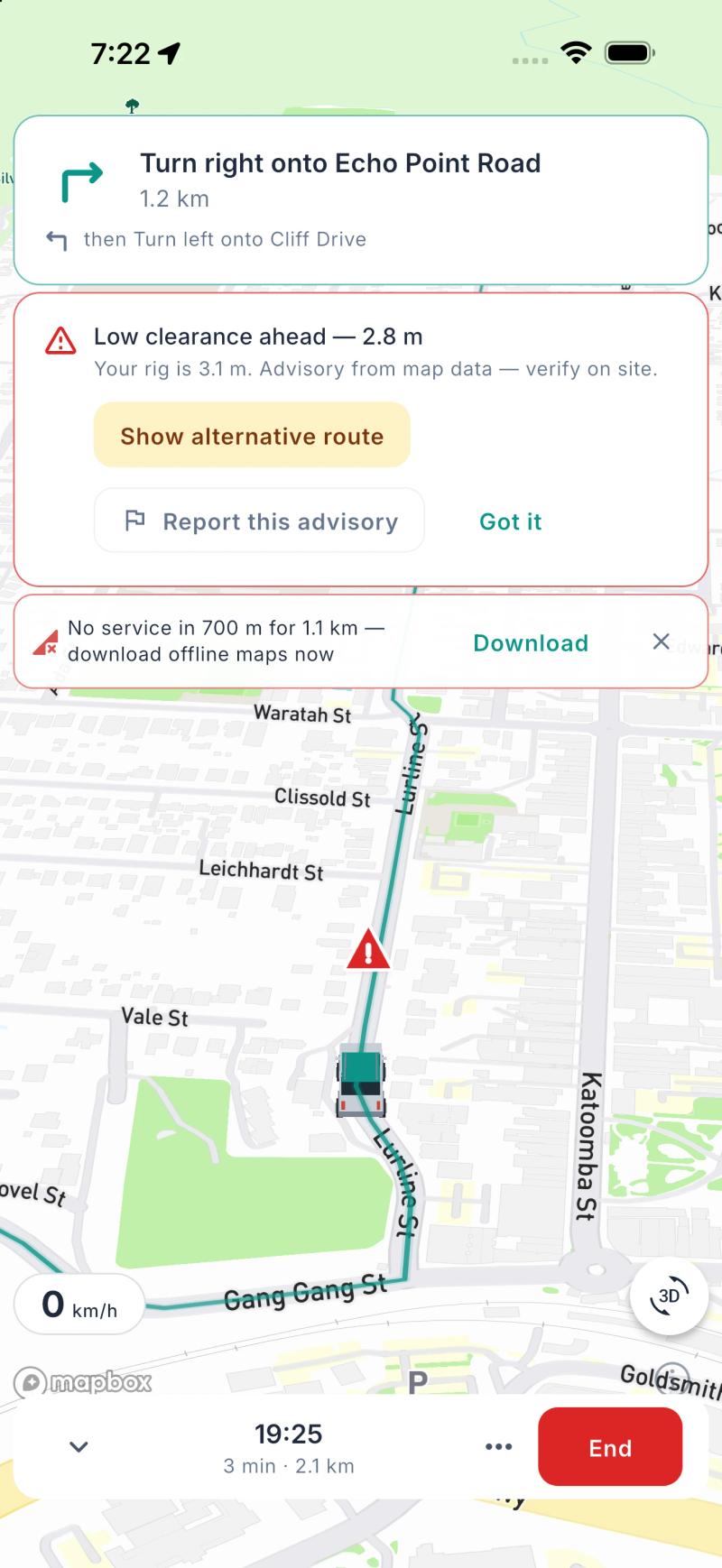
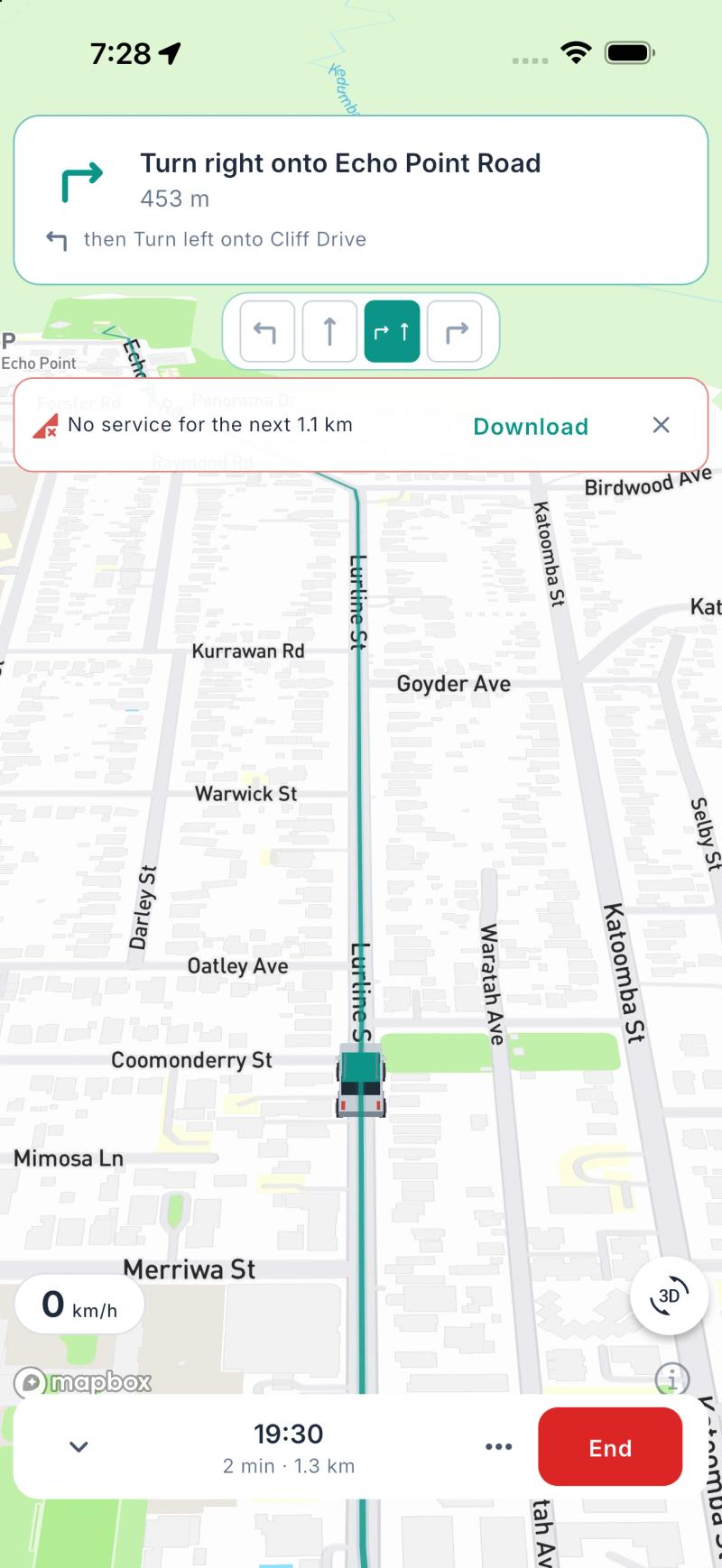
This is the problem we set out to solve with navigation in Ready2Roam 1.2.0.
Ready2Roam's in-app navigation (Nomad Pro) uses the rig in your Garage, including its height, length and weight, so routes are planned around the whole combination. Along the way you'll get:
- Heads-up warnings ahead of low clearances, steep grades and long stretches without a break, with the option to find another route where the road data flags a restriction for your rig.
- Lane guidance and roundabout directions, so you're in the right lane early. That matters a lot more with a van on the back.
- Guidance on your Lock Screen, so the next turn is visible at a glance.
- Offline nav packs, so guidance keeps working when the signal drops.
Road data is never perfect, so warnings in Ready2Roam are advisory. Always check signs and clearances on site, and report anything that's wrong so the next traveller benefits.
If you'd rather use your usual maps app, you can send any Ready2Roam route to Apple Maps or Google Maps in one tap, free. Just keep the limitations above in mind when you do.
The bottom line
Your phone's maps app is brilliant at getting a car from A to B. A caravan isn't a car. Know your numbers, check the route before you drive it, plan your breaks and trust the signs. If you want navigation that does some of that thinking for you, use one that knows what you're towing.
Before your next big trip, run through our pre-trip towing safety checklist.
Download Ready2Roam. Nomad Pro comes with a 14-day free trial.