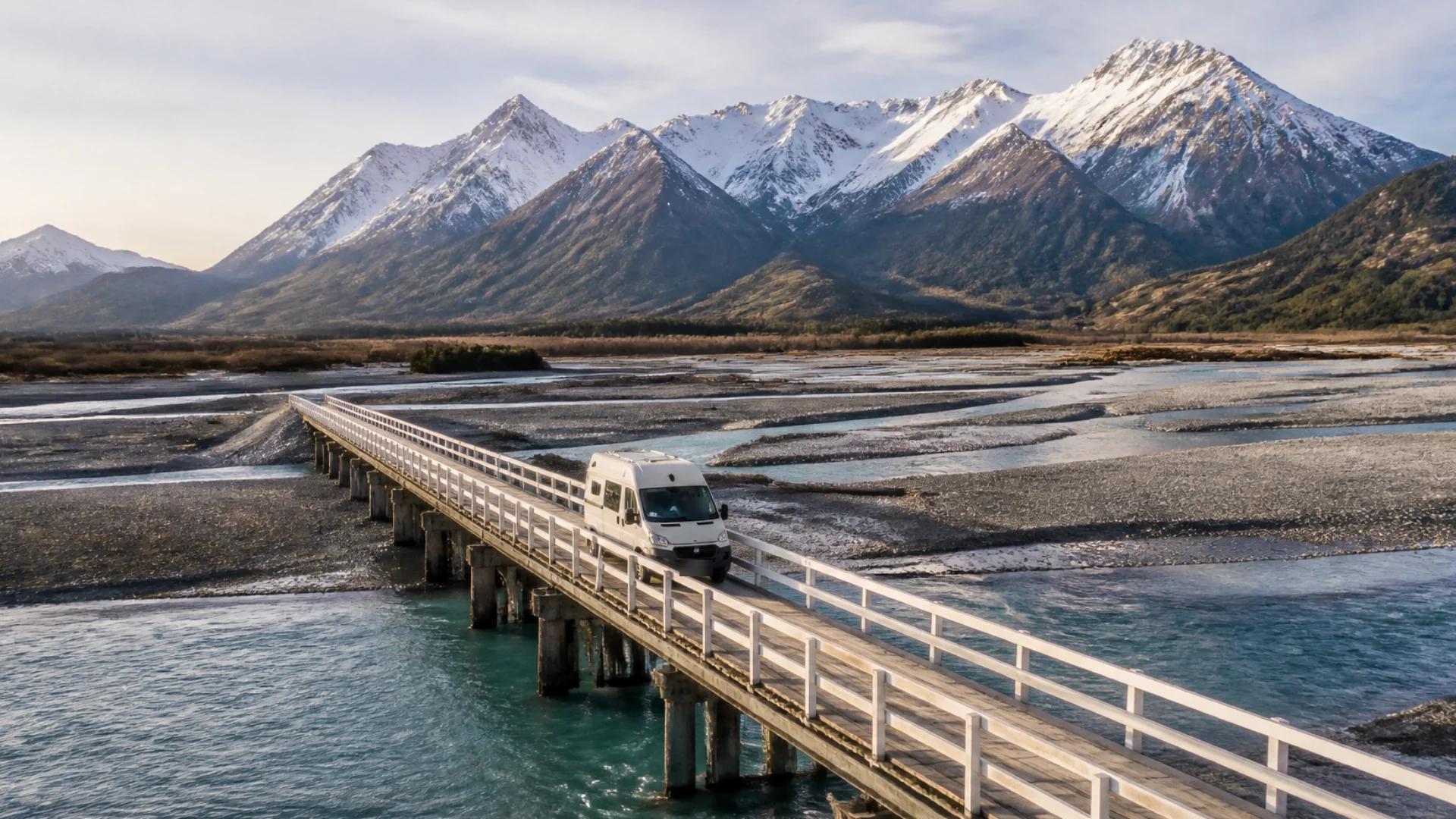
The drive is half the reason to tour New Zealand. Alpine passes, coastal roads that hug the cliffs, river valleys crossed by bridge after bridge. It's also some of the most demanding driving you'll do in a campervan or motorhome. Roads are often narrow and winding, the hills are steep, and the distances on the map always take longer than you expect.
Here's what to expect and how to plan for it.
One-lane bridges
New Zealand has thousands of single-lane bridges, more than 7,000 on local roads alone according to Figure.NZ, plus more on state highways. For many visitors they're the most unfamiliar part of driving here.
The rules are simple once you know the signs:
- A red circle sign means you give way to traffic coming the other way. Stop before the bridge if anything is approaching or already on it.
- A blue rectangular sign with a large white arrow means you have priority, but slow down and check anyway. The other driver might not know the rules.
In a big vehicle, take one-lane bridges slowly and look well ahead. On a long bridge, the vehicle coming the other way may be further away than it looks. Some single-lane bridges also carry weight or width limits, so watch for signage on the approach.
Winding roads and narrow passes
Many of New Zealand's most beautiful roads are tight, twisting and without much shoulder. In a campervan:
- Slow down before the bend, not in it. A high-sided vehicle rolls more than a car does.
- Pull over to let traffic pass. Use the slow-vehicle bays and safe pull-offs. Locals will thank you, and you'll enjoy the drive more without a queue behind you.
- Watch the centre line. Long vehicles cut corners. Keep the whole van in your lane on tight bends.
Steep hills and alpine passes
Long climbs and descents are common in both islands. On the way up, a heavy motorhome will slow down, so keep left and use passing lanes where they exist. On the way down, use a lower gear and let engine braking do the work. Riding the brakes on a long descent overheats them.
Know before you go: check the road status on the NZ Transport Agency's journey planner before crossing an alpine pass. Snow, slips and roadworks close roads, sometimes at short notice.
Plan for the real driving time
The biggest mistake visitors make is trusting a car's travel time. A drive the map says takes three hours can easily take four or five in a campervan once you add hills, bends, one-lane bridges, photo stops and the need for a break.
- Plan shorter driving days than you think you need.
- Build in a rest every two hours.
- Avoid driving the unfamiliar, winding sections after dark.
Why a car's maps app isn't enough
Phone navigation thinks you're driving a car. It doesn't know your height, length or weight, so it won't warn you about a low clearance, a weight-limited bridge or a narrow road you'd be better off avoiding. It also won't tell you a big climb is coming.
Navigation built for your rig
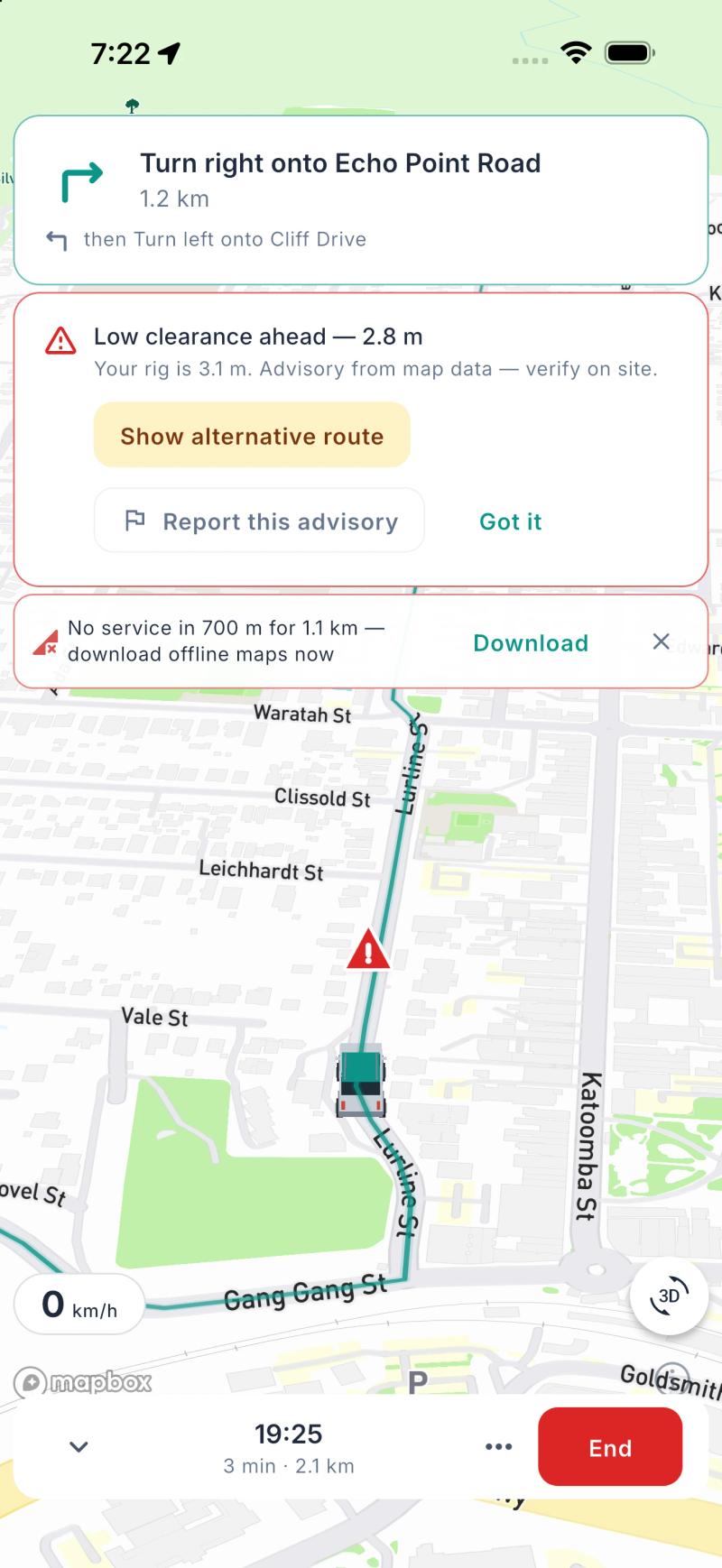
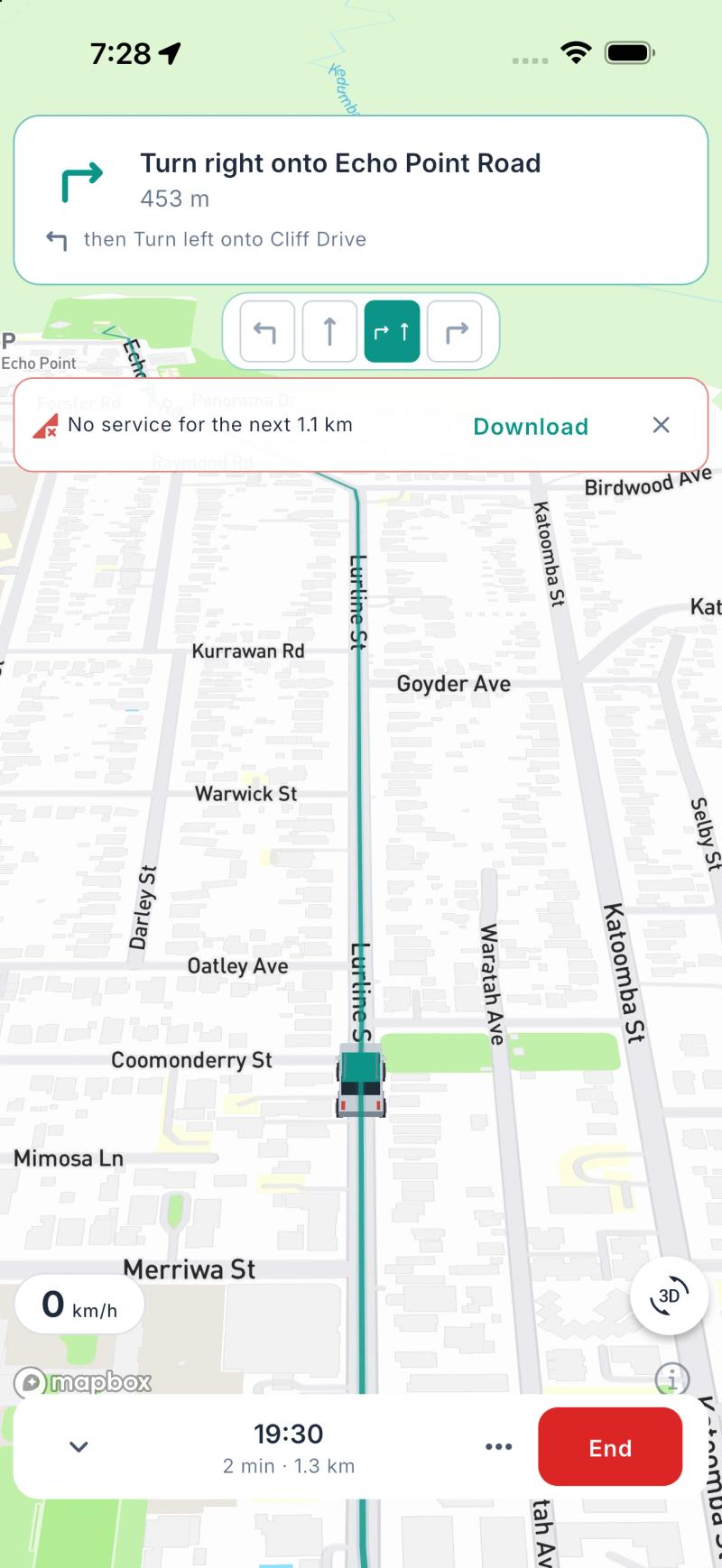
This is why we built navigation into Ready2Roam 1.2.0. In-app navigation (Nomad Pro) uses your campervan or motorhome's height, length and weight from your Garage, so routes are planned around the vehicle you're actually driving. Along the way you'll get:
- Heads-up warnings ahead of low clearances, steep grades and long stretches without a break, with the option to take another route where the road data flags a restriction for your rig.
- Lane guidance and roundabout directions so you're positioned early.
- Guidance on your Lock Screen, visible at a glance.
- Offline nav packs, so guidance keeps working in the valleys and passes where signal drops out.
Road data is never complete, so Ready2Roam's warnings are advisory. Always follow the signs and check conditions on site. If you prefer your usual maps app, you can send any route to Apple Maps or Google Maps in one tap, free.
The bottom line
New Zealand's roads reward a slower pace. Learn the one-lane bridge signs, take the bends gently, use your gears on the hills, pull over for faster traffic, and plan shorter days than the map suggests. You'll arrive relaxed, and you'll actually see the country you came for.
Planning the South Island? See what a South Island campervan trip really costs.
Download Ready2Roam. Nomad Pro comes with a 14-day free trial.